Independent language tutors, private teachers and small course providers writing their own multiple-choice practice sheets.
Come funziona
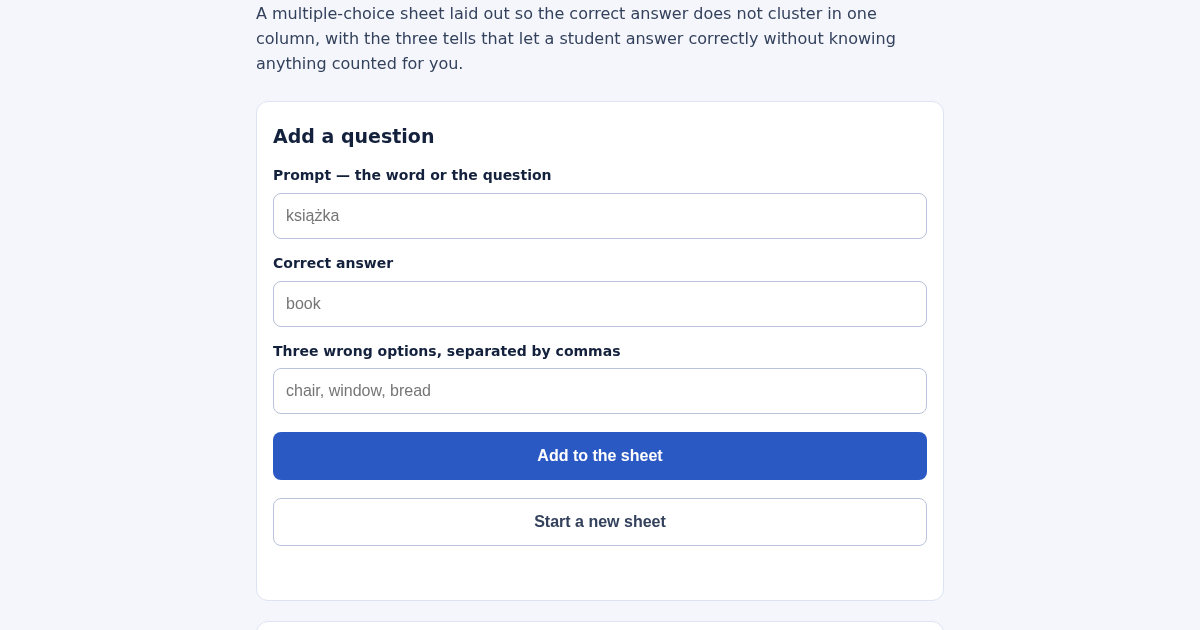
- Enter the prompt, the correct answer and exactly three wrong options.
- Add as many questions as the sheet needs.
- Read the column counts, the longest-option rate against the one-in-four chance rate, and any wrong option that answers another question.
- Print the sheet and the answer key together.
Cosa ottieni
- Sprawdza kartę odpowiedzi pod kątem trzech typowych sygnałów, które zdradzają poprawną odpowiedź bez znajomości materiału, i mówi, które pytania trzeba poprawić przed wydrukiem.
Schermata
Dettagli tecnici
Come configurare e usare
- Acquista la licenza — la chiave (lic_...) appare nella pagina dell'ordine e via email.
- Accedi su app.synoriaai.com con la tua chiave di licenza.
- Nessuna installazione — il prodotto gira nel browser, sulla tua istanza isolata.
- 1. Open the Quiz Builder page.
- 2. For each question, type the prompt, the correct answer, and three wrong options into the fields, then click 'Add Question'.
- 3. Repeat for all your questions (at least one is needed).
- 4. Click the button to generate the sheet and answer key.
- 5. Print the sheet; printing twice gives the same layout.
Domande frequenti
Does the tool check if a wrong option is the correct answer to another question?
Yes, it finds every wrong option that is also a correct answer elsewhere on the sheet and tells you which question it points to.
What happens if I enter duplicate options or an option identical to the answer?
The tool refuses to add the question, because that would give only three real choices instead of four.
Is my data stored or shared?
No. All questions and answers are processed in your browser and never sent to a server.
Prodotti correlati
Planificador de Estudio para la EBAU
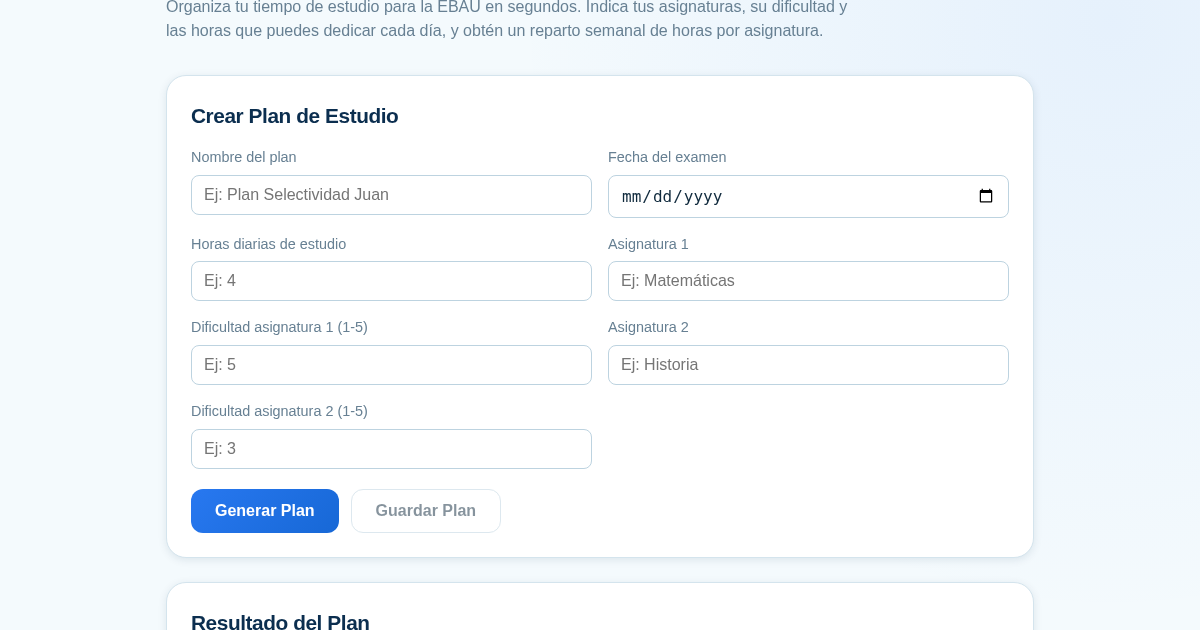
Organiza tu tiempo de estudio para la EBAU en segundos. Indica tus asignaturas, su dificultad y las horas que puedes dedicar cada día, y obtén un reparto semanal de horas por asignatura, guardado para que siempre puedas…
RPP Instan – Generator RPP Kurikulum Merdeka
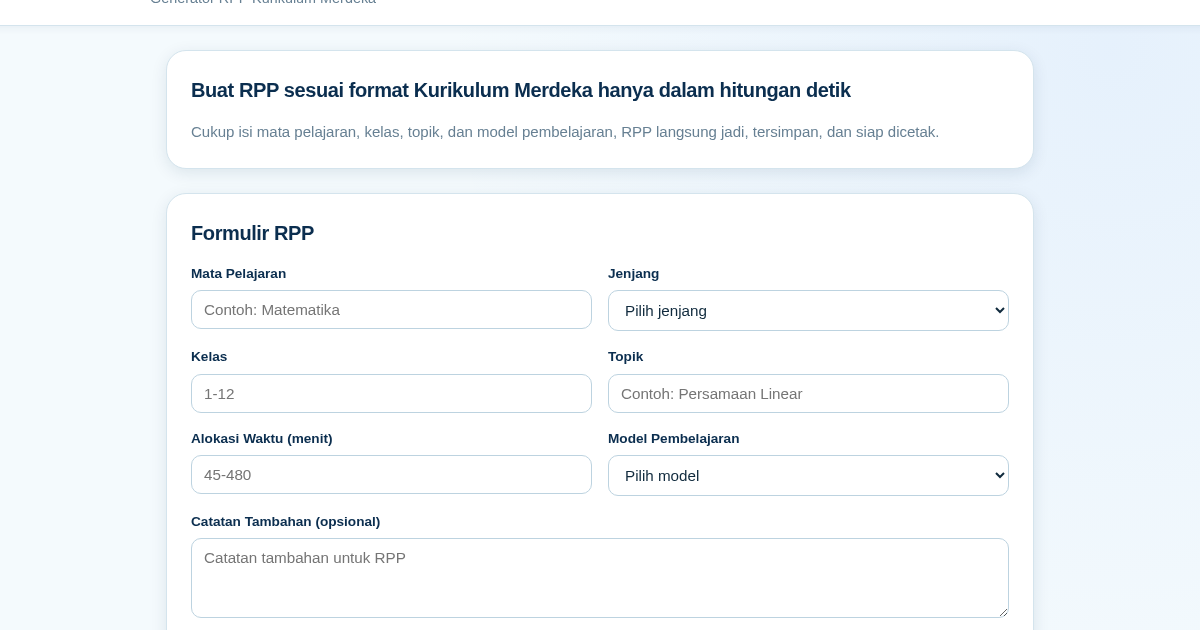
RPP Instan membantu guru di Indonesia membuat Rencana Pelaksanaan Pembelajaran (RPP) sesuai Kurikulum Merdeka dengan cepat. Guru cukup mengisi formulir singkat, dan RPP langsung tersusun otomatis sesuai struktur yang…
GCSE Quiz Generator for Teachers
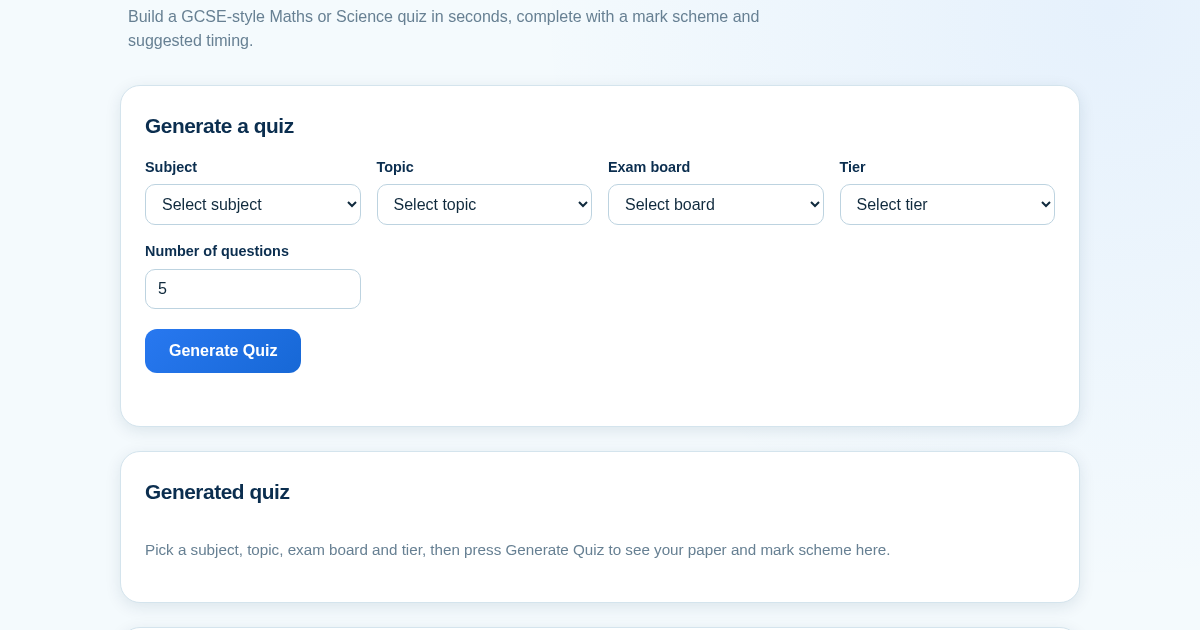
GCSE Quiz Generator helps UK secondary school teachers and private tutors quickly create GCSE-style Maths and Science quiz papers from a built-in question bank. It automatically provides a mark scheme and suggested exam…
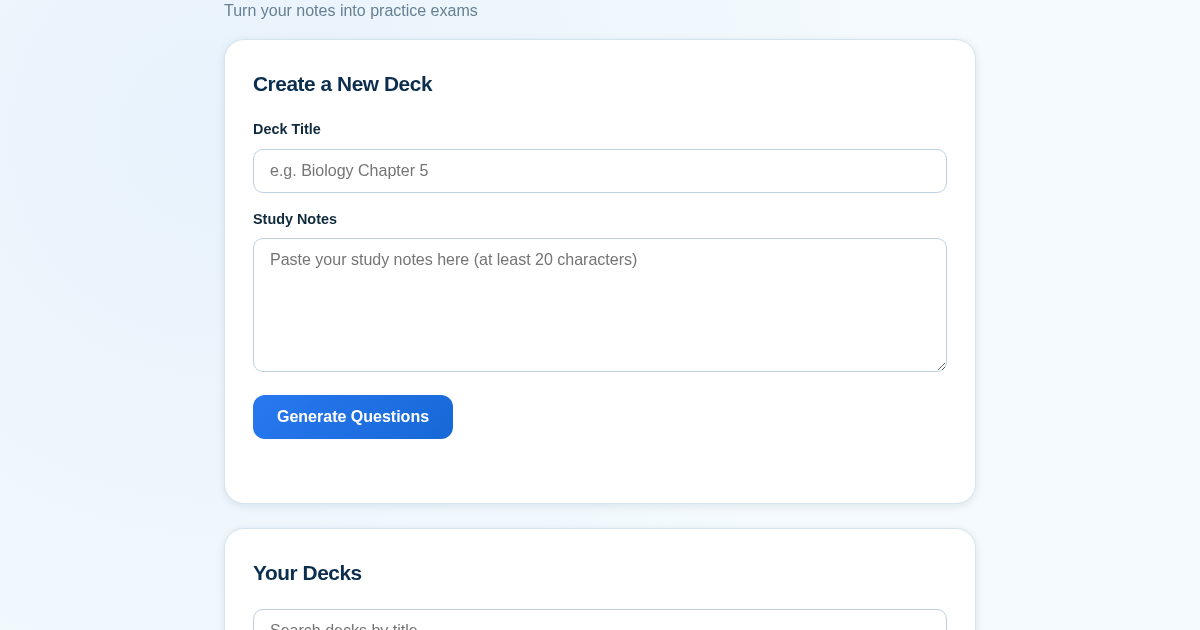
ExamGenius — Turn Your Notes Into Practice Exams
ExamGenius turns pasted study notes into practice quiz questions and schedules reviews using a spaced-repetition algorithm so learners retain material longer. Users paste notes, generate a question deck, self-grade…